Appearance
Making Local Changes to the Library
This page is for documenting changes you make to the library that are not in the main repository.
Steps to Make Local Changes to the Library:
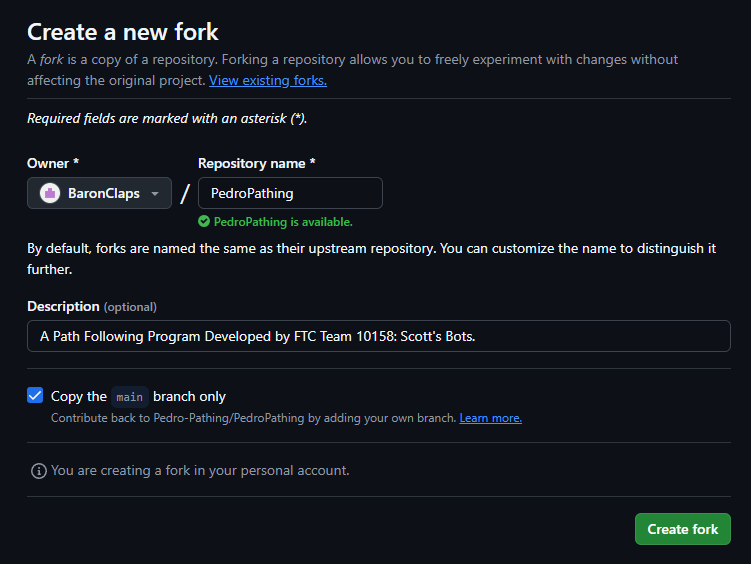
1. To begin, fork the Pedro Pathing repository: https://github.com/Pedro-Pathing/PedroPathing/fork.
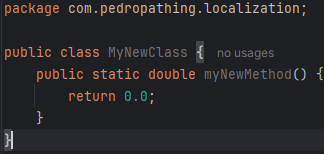
2. Make your changes to the library. (Lets say I create a new class)
3. Open build.gradle.kts and navigate to the publishing block. Change the artifactId to local and the version to x.x.x-local, where x.x.x is the version of the library you want to set it as.
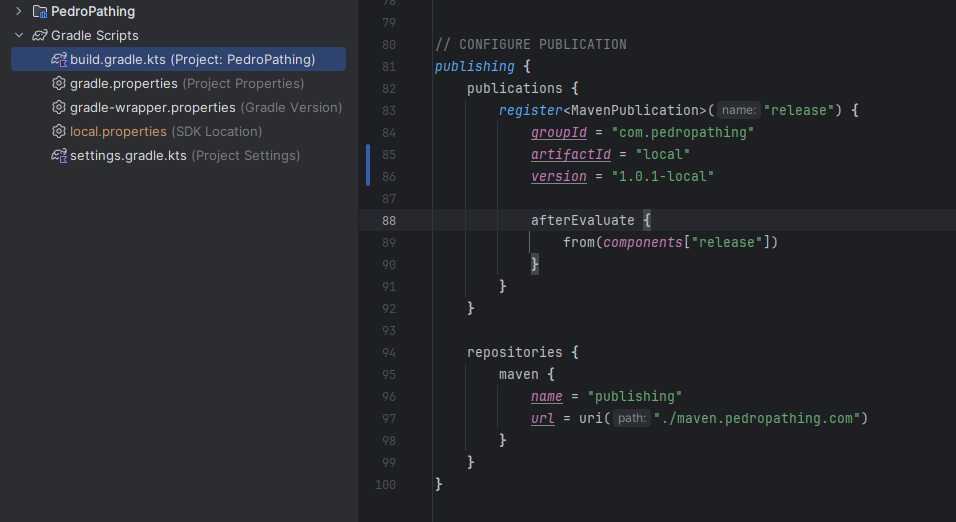
4. Then Sync Gradle
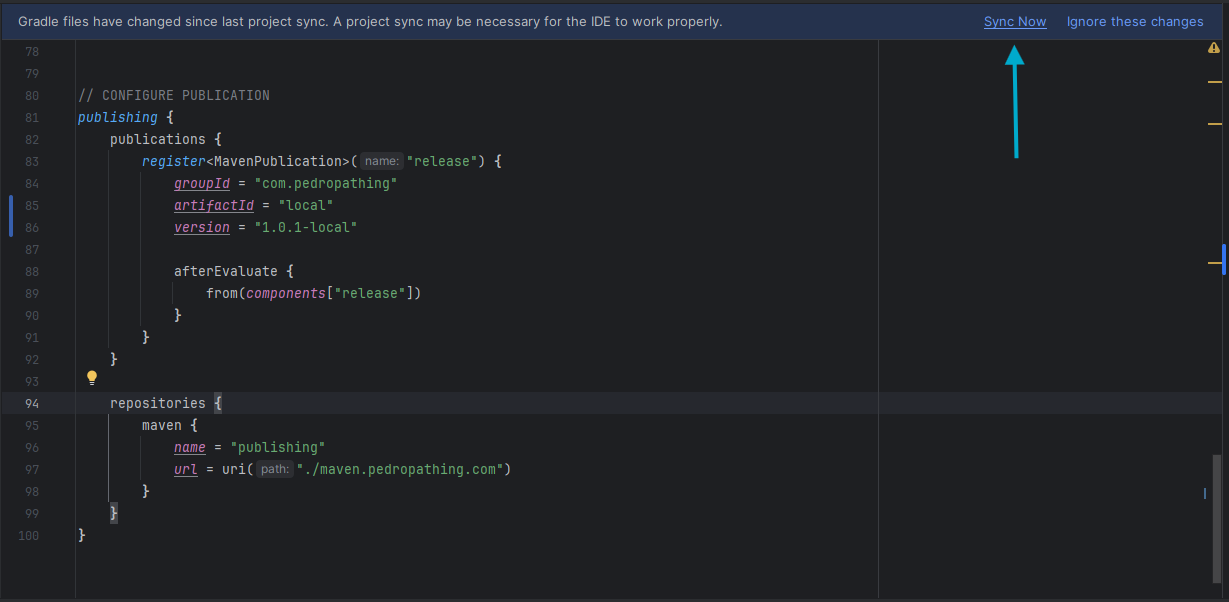
5. Then, open terminal and run ./gradlew publishToMavenLocal
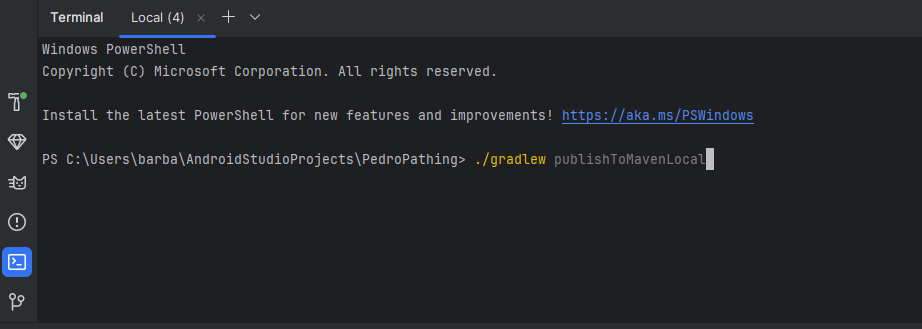
6. Once it says Build Successful, you can now use open your main project/quickstart.

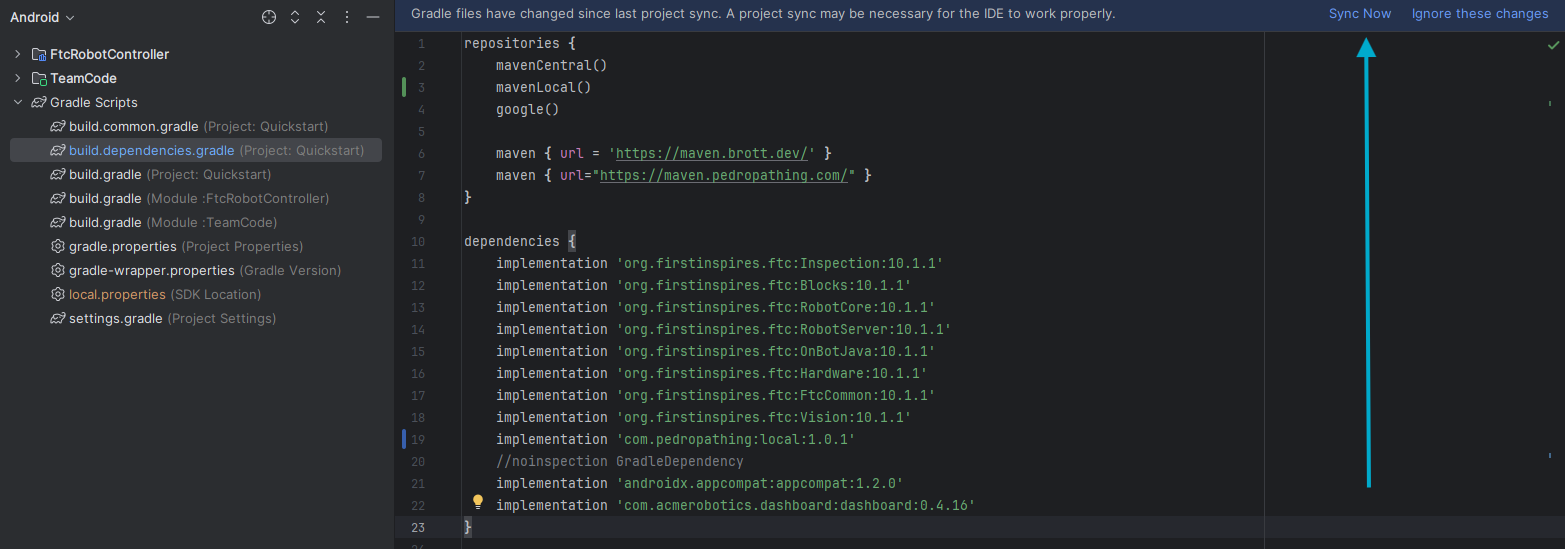
7. Open build.dependencies.gradle and navigate to the repositories block. Add mavenLocal() to the block.
8. Then, navigate to the dependencies block and add implementation 'com.pedropathing:local:x.x.x-local' where x.x.x is the version you set in the library.
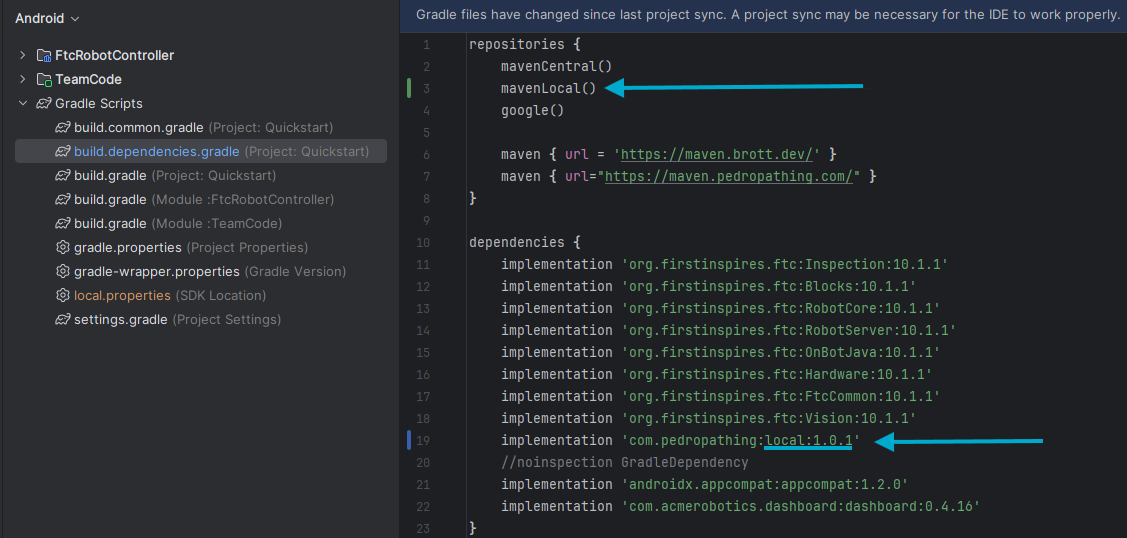
9. Sync Gradle and you should now be able to use your quickstart/project with your library changes.